WordPress is behind a huge share of the world’s websites. It is flexible, well known and has a plugin for almost everything. But “almost everything” comes at a price — and for many businesses a static website solves the problem better.
What is the difference
With WordPress, every time someone opens a page the server queries the database, combines the content with the theme and plugins, and only then sends the page. This happens on every visit (caching helps, but adds yet another moving part).
With a static website, pages are generated once, at publish time. The server only has to hand out ready-made files — like handing over a photocopy instead of writing the document by hand for every request.
Speed
A static site is fast by nature: no database, no code running on the server for every visit. A WordPress site can be fast, but usually thanks to caching plugins, image optimisation and minification — more parts to configure and maintain.
And speed is not vanity: Google uses it as a ranking factor, and every extra second of loading time loses visitors, especially on mobile.
Security
Most attacks on WordPress sites are not on WordPress itself but on outdated plugins and themes. Every plugin is third-party code running on your server, with access to your database.
A static site has no public admin panel, no database and no plugins. There is almost nothing to attack. You do not need security plugins because there is nothing to protect.
Costs and maintenance
| WordPress | Static website | |
|---|---|---|
| Updates | Core, theme and plugins, several times a month | None required |
| Licences | Paid themes and plugins, usually yearly | Usually none |
| Hosting | Needs PHP and a database | Any simple hosting will do |
| Backups | Files + database | The code lives in Git — the history is the backup |
Editing content
This is where WordPress wins out of the box: the editor is familiar and anyone can publish a news post.
With a static site there are several ways to handle this:
- Content that rarely changes (services, about, contact) — you ask for the change and it is done in minutes.
- Content that changes often (news, products, listings) — a simple editor is connected to the site, or the content lives in easy-to-edit files.
The right question is not “can I edit everything myself?” but “what do I actually edit, and how often?”. Many businesses touch their website three times a year.
When to choose each
WordPress makes sense when:
- you publish content several times a week and have several people editing;
- you need very specific features that already exist as a mature plugin;
- your team already knows the platform well.
A static website makes sense when:
- the website is your business’s shop window — services, portfolio, contact;
- speed and security are a priority;
- you do not want to pay for, or think about, updates and licences.
Our own case
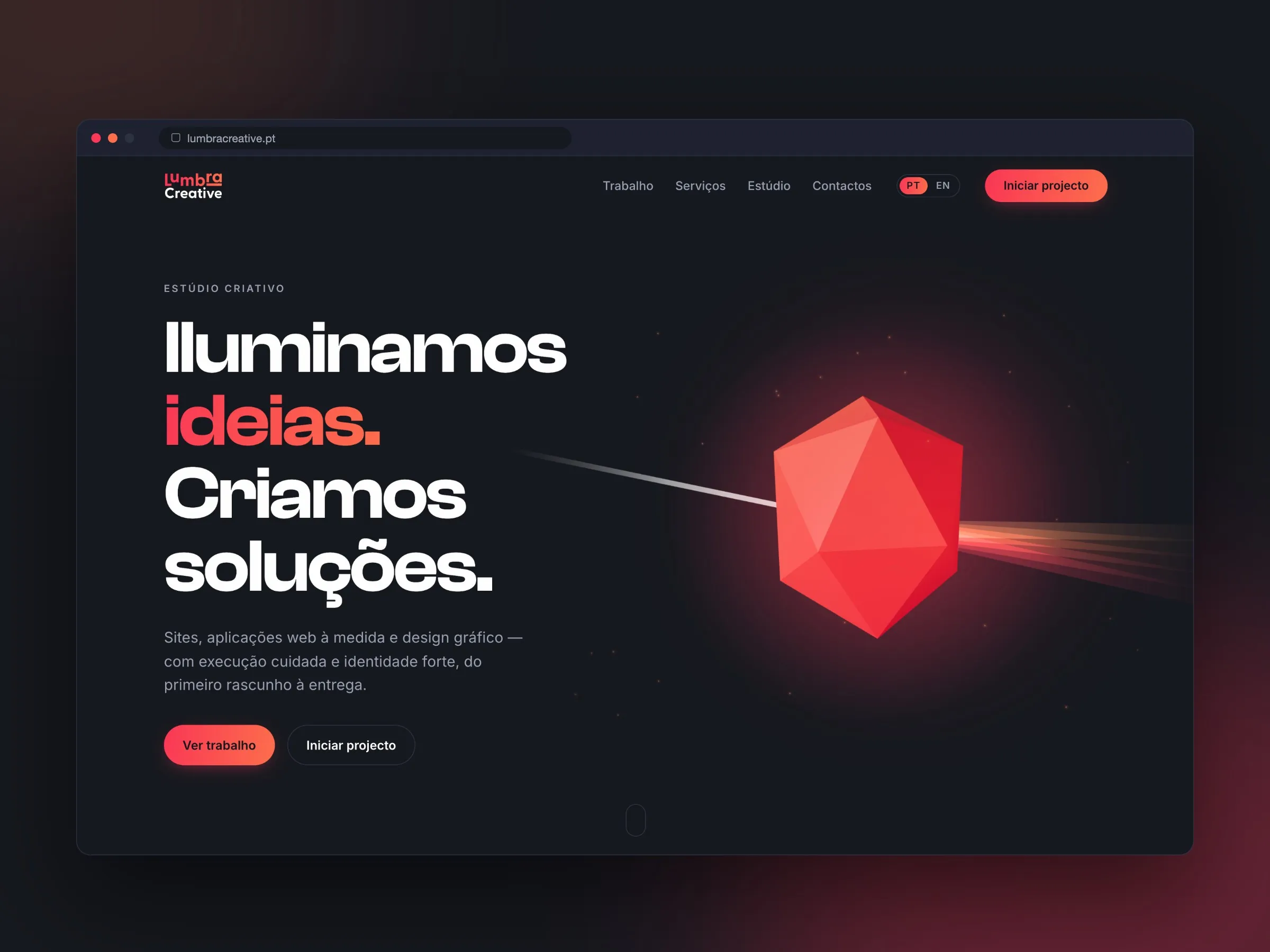
Lumbra’s website after the move: static, no plugins and no updates.
Lumbra’s old website was WordPress with 16 plugins, 1.1 GB on the server and 44 stylesheets on the homepage alone. We moved it to a static site: zero plugins, 16 MB and top scores for accessibility and SEO. We tell the whole story in the case study.
Have a heavy or hard-to-maintain WordPress site? See how we handle the migration or talk to us.